PhaseWake
In developmentYour alarm has no ideayou're in deep sleep.This one does.
PhaseWake tracks your sleep phases on-device and wakes you during light sleep — inside the window you choose.
- iPhone + Apple Watch
How it works
A window, not a moment.
- 01
Set the window
Choose a target time and a ±15–60 minute wake-up window around it.
- 02
Track through the night
PhaseWake watches your sleep overnight using your phone and smartwatch sensors.
- 03
Score it on-device
Light, deep, REM and awake are scored on your device. Your sleep data never leaves your phone.
- 04
Wake in light sleep
Inside your window, the alarm fires only during light sleep — the gentlest moment to wake.
- 05
The deadline always fires
The hard deadline guarantees the window: you never oversleep it.
Why it works
Wakes you right, gets you up.
A window, not a moment
Set a ±15–60 minute window around your target time. Inside it, PhaseWake wakes you only during light sleep — and the hard deadline always fires, so you never oversleep the window.
On-device detection
Sleep phases are scored on your device from accelerometer and heart-rate-variability data. Your sleep data stays on your phone.
Exercise to dismiss
The alarm can only be turned off by finishing a short exercise — jumping jacks, squats, arm raises or march in place. A skip is offered after three minutes if your reps aren't caught, so you're never trapped.
Haptic-only watch alarm
The Apple Watch alarm vibrates by design — it rings through Silent Mode. No sound, no notification, no phone required.
Sleep history & analytics
Calendar history, 7-day trends, a phase breakdown and a nightly quality score, read from HealthKit on iPhone.
Battery-aware sensing
The heart-rate sensor is duty-cycled: off for most of the night, watching continuously only inside your wake window.
In the night
Light sleep, detected.
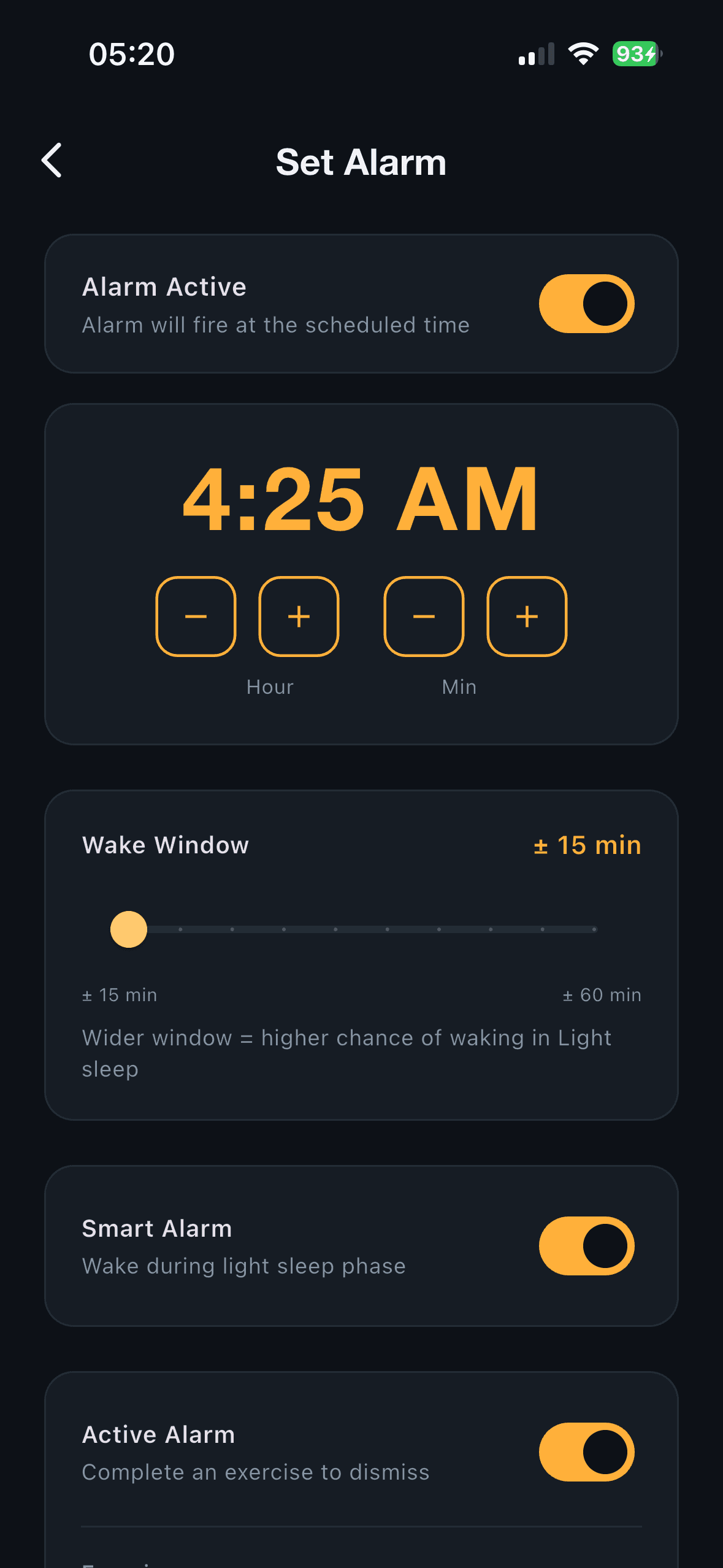
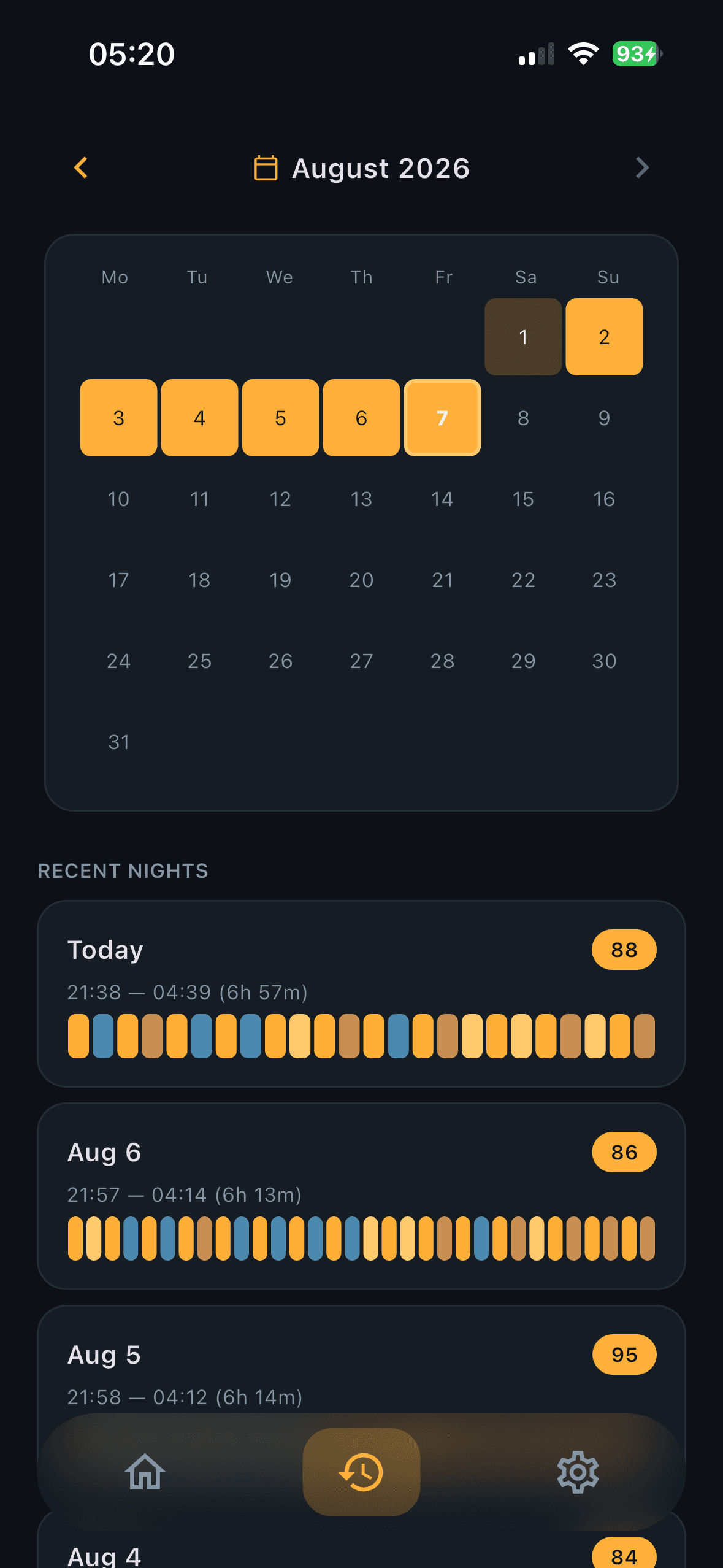
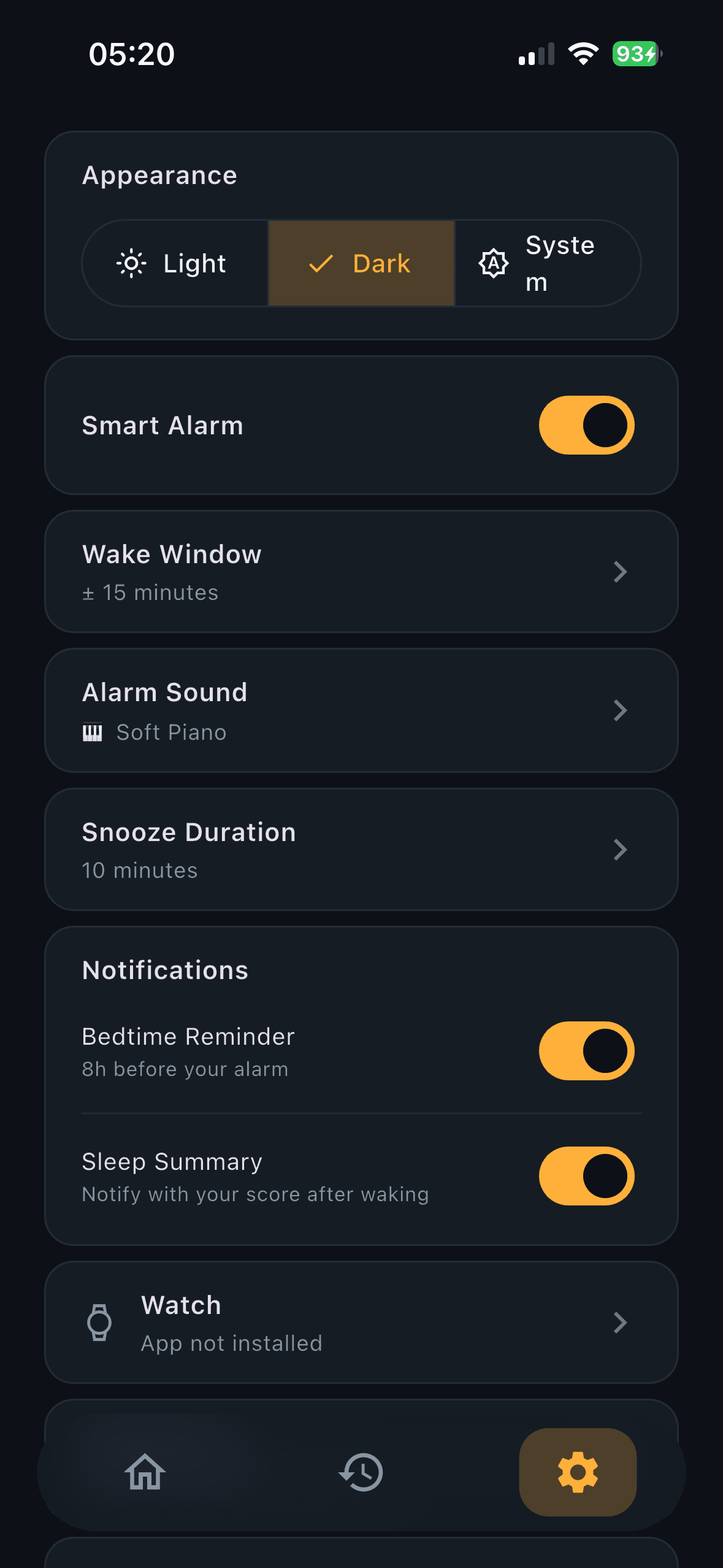
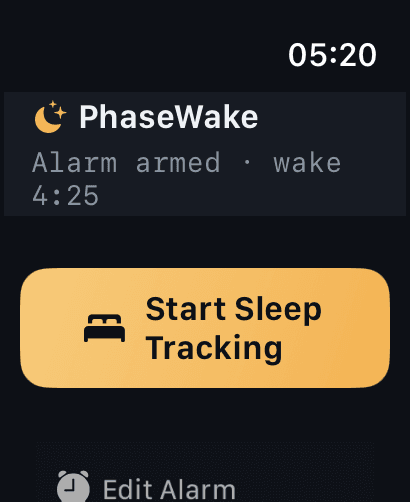
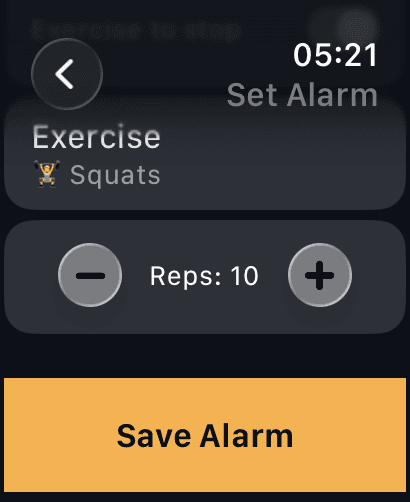
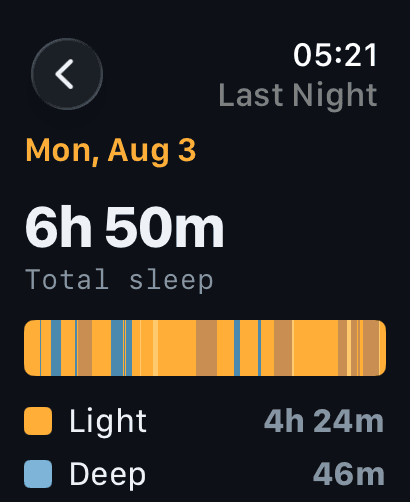
Real screens from a prototype build on iPhone and Apple Watch — PhaseWake is still pre-store, so these are the current app, not final ship UI.
Status
Coming to iPhone + Apple Watch.
PhaseWake is in active development — a functional prototype, tested on real devices, being readied for store submission. Follow along; the next build is posted here first.
Accuracy
The honest caveats.
A wellness tool, not a medical device. Sleep-phase detection is an on-device heuristic, not a diagnosis.
The alarm aims for light sleep within your window — and never lets you oversleep it.
Sleep-phase data shown in these screens is from prototype builds; it is not yet backed by store-released tracking.
Also from Nearfield