Meditor
Livev1.3.2Writing the post
is the easy part.
Publishing it isn't.
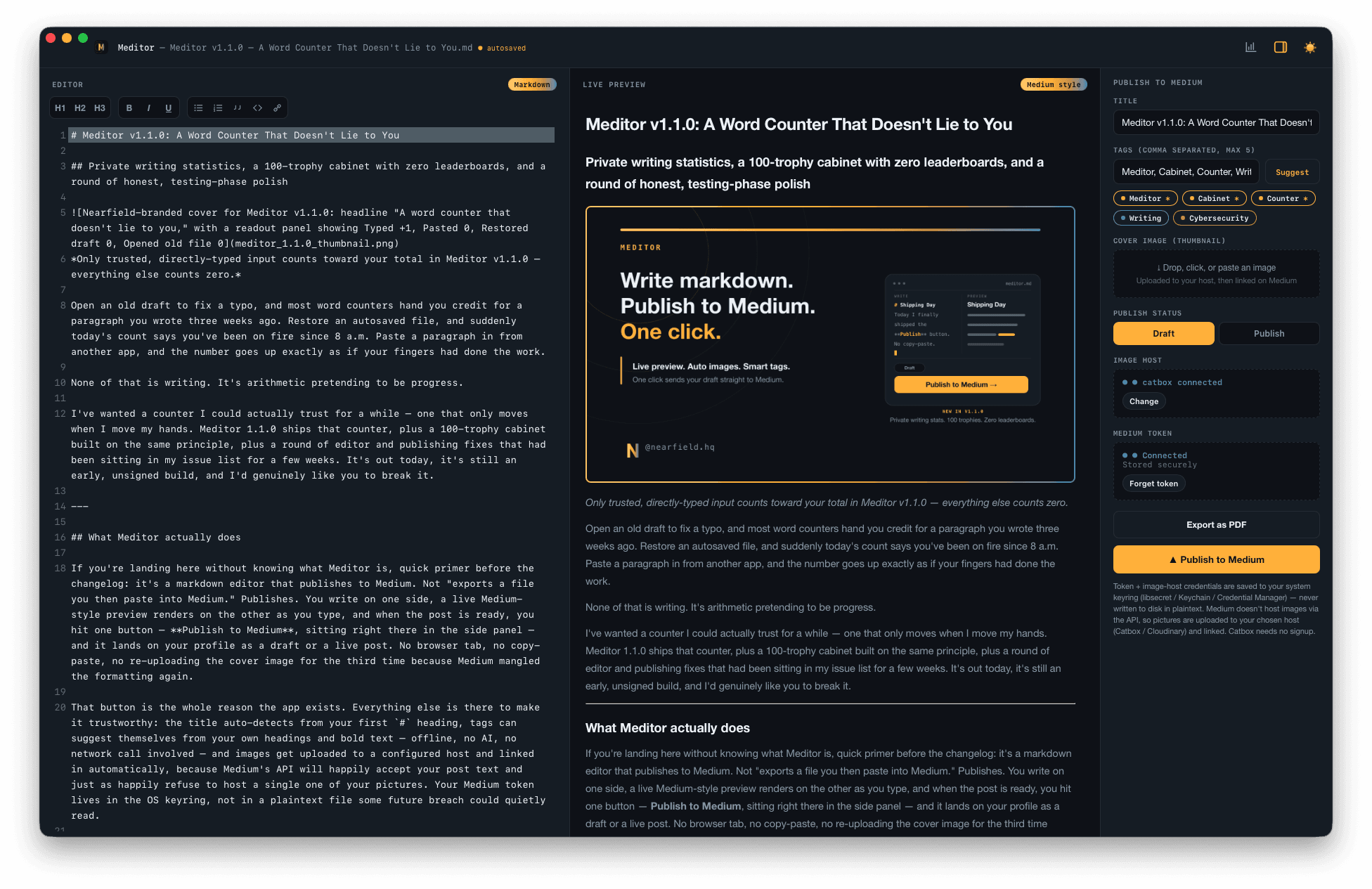
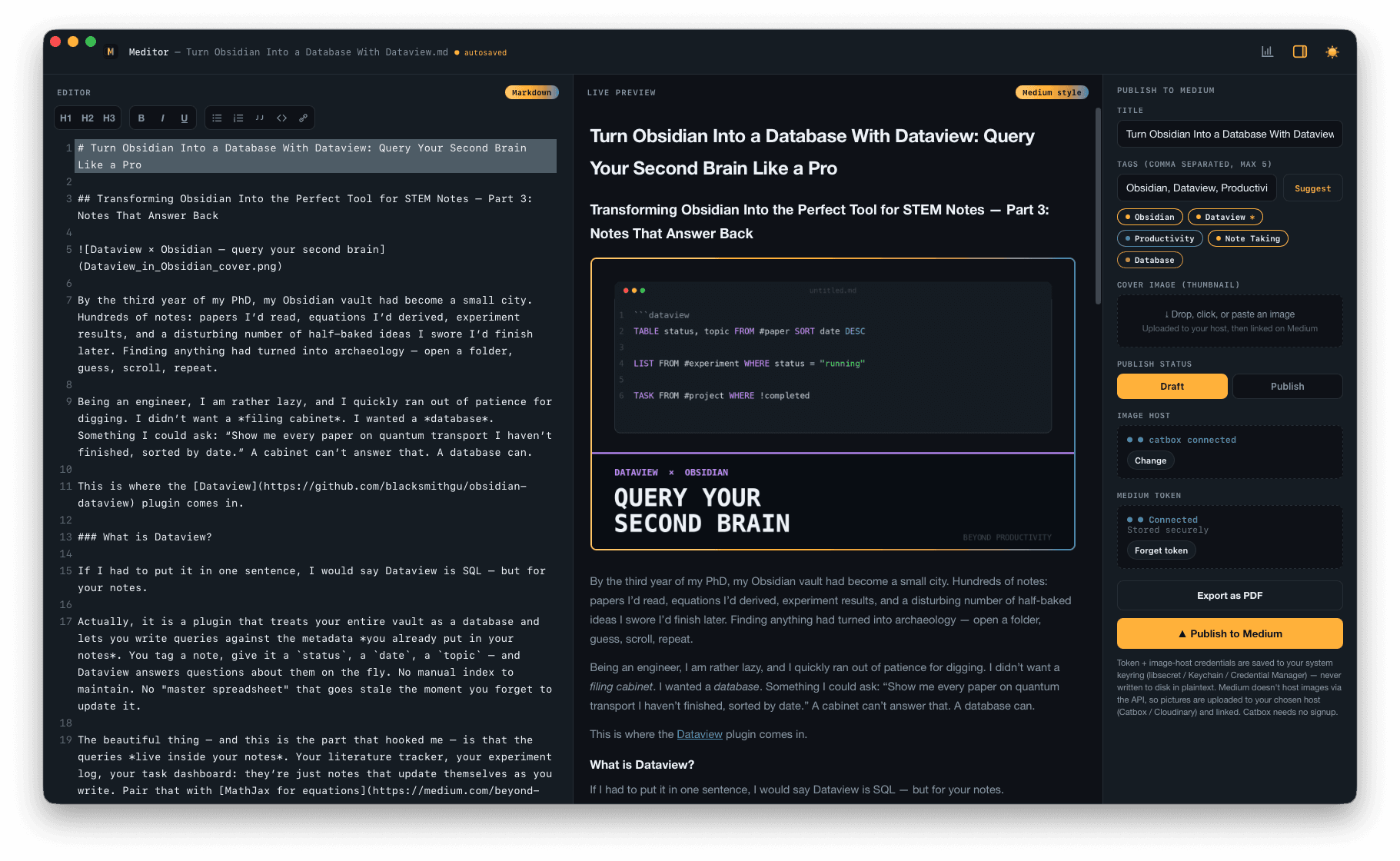
Meditor keeps your markdown, your preview and your publish panel in one desktop window — so the tab-switching stops.
- macOS · Apple Silicon · .dmg
- 49aae0fe5fa58d78d11176a153f4234c40668ed87ad26259b03cb5fb610b29db
- macOS · Intel · .dmg
- cb1f1584e44e25d8ee9983ba7edc17b8a32a8a648f1e0aea4de4f58131a4579a
- Windows · x64 · .exe installer
- f0ee8db50663a078c7f46e58a69bf43800fb0ac5f0b87fd720a76e771bb9d28a
- Linux · Debian/Ubuntu · .deb
- 7ea15195045235984549f97530c1fba6e5b518f907c579216a164e2ac4fc2d4f
- Linux · Portable · .AppImage
- dd2188269a5c741c97df6efb47facde948d92f28f0d91637451990ca1f541920
- macOS · Apple Silicon / Intel
- Windows
- Linux · .AppImage / .deb
- Free
Why Meditor
A publishing round trip, in one window.
01
One window, not five tabs
Editor, live Medium-style preview and publish panel side by side. No more copying markdown into a web editor and re-fixing the formatting.
02
Inline images
Drop, paste or click an image straight into the editor. Meditor uploads it to your configured image host and inserts the markdown link for you — no manual round trip.
03
Private statistics
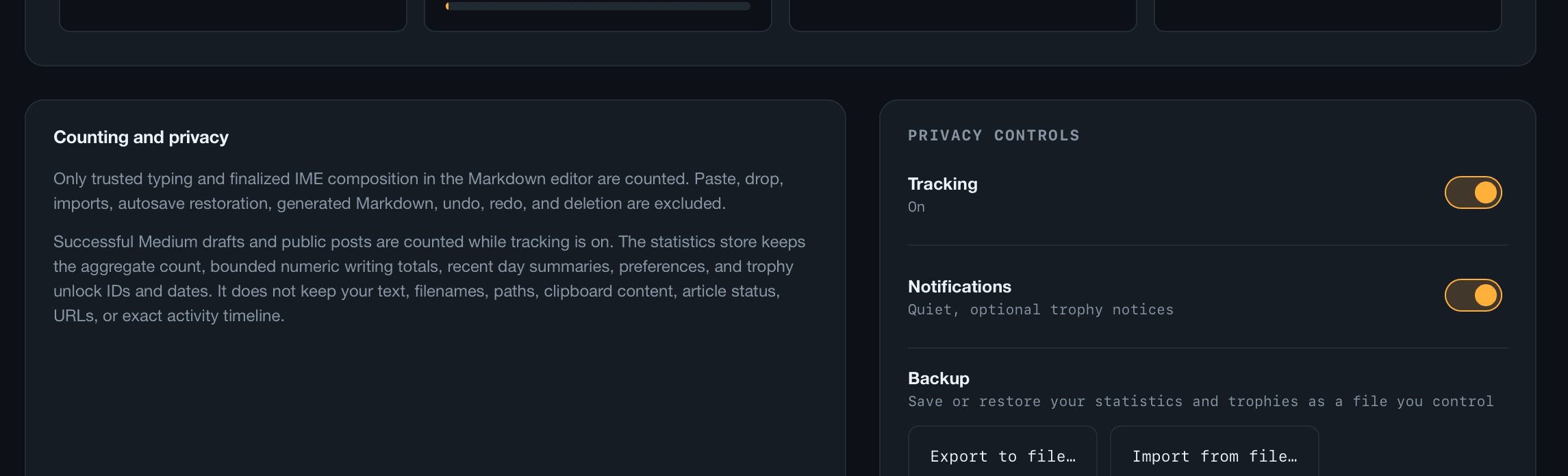
Counts only what you actually typed. Opening a file, restoring a draft, pasting or dropping text, undo/redo, AI completions — none of it counts. Opt-in, off by default, fully local.
04
The cabinet
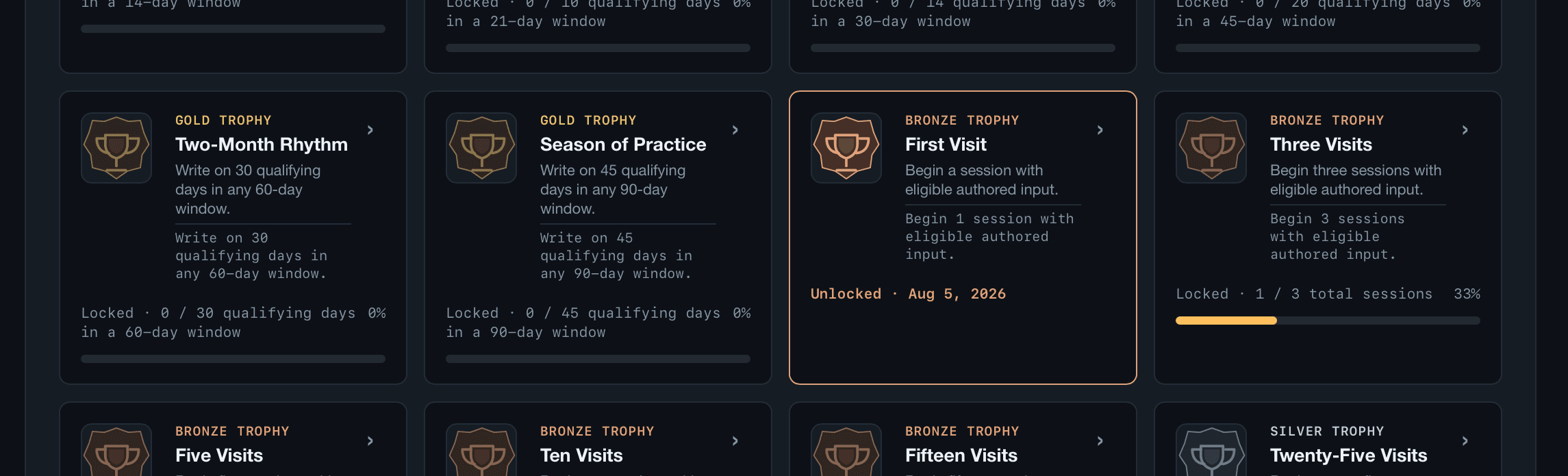
100 trophies — 50 bronze, 30 silver, 20 gold. No points, no ranks, no leaderboards. Every trophy is earned by real typing in the app.
05
Numbers, not content
The statistics are numeric and content-free — no text, no timestamps are ever sent anywhere. They survive app updates instead of resetting.
06
Medium publishes count
Successful Medium publishes show up in your stats, alongside the traffic-light icon controls and indented ordered lists that match Medium's rendering.
In the app
Real screens, real numbers.
Accuracy
The honest caveats.
macOS builds are signed and notarized; Windows/Linux builds are unsigned for now.
It's a small, testing-phase release, not a store launch.
The statistics stay local and numeric-only. Publishing still goes to Medium, and images to your configured host — because that's what the app is for.
Also from Nearfield